Track stock
How stock goes down and up, low-stock alerts, and how to record a delivery or a breakage.
Products · Updated 14 Nov 2026
Each size of a product has its own stock count.
- A sale takes stock out when the order is paid.
- A refund can put it back, if you choose to.
- Sold-out sizes can't be bought.
- When a size runs low you get an email each morning, and the dashboard lists Items running low.
Record a delivery or a breakage
-
Open Products › Stock history and choose Add stock change.
-
Pick the size, enter how many units to add (a positive number) or remove (a negative number), and give a reason.
-
Choose Save.
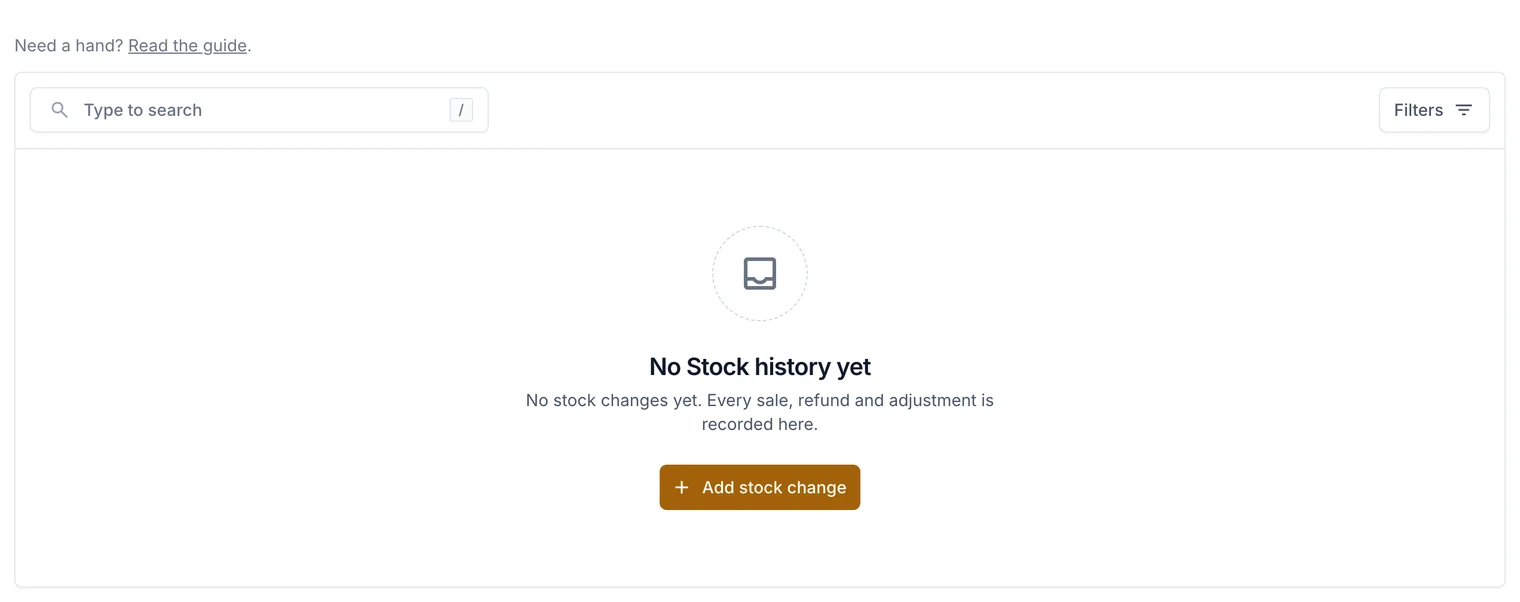
Every change is kept, so you can always see why a number changed.
Related guides
- Add products, sizes and photos
Create a product, give it sizes with their own price and stock, add photos, and publish it.
- Refund an order
Give all or part of the money back through Stripe, and choose whether to restock.
Still stuck? Contact support or email [email protected]. We reply within one business day.