Edit pages and the home page
Build pages from blocks (text, images, galleries, product grids, FAQs) and choose your home page.
Online store · Updated 14 Nov 2026
Every page, including your home page, is built from blocks.
-
Open Online store › Pages and choose a page (or Add page).
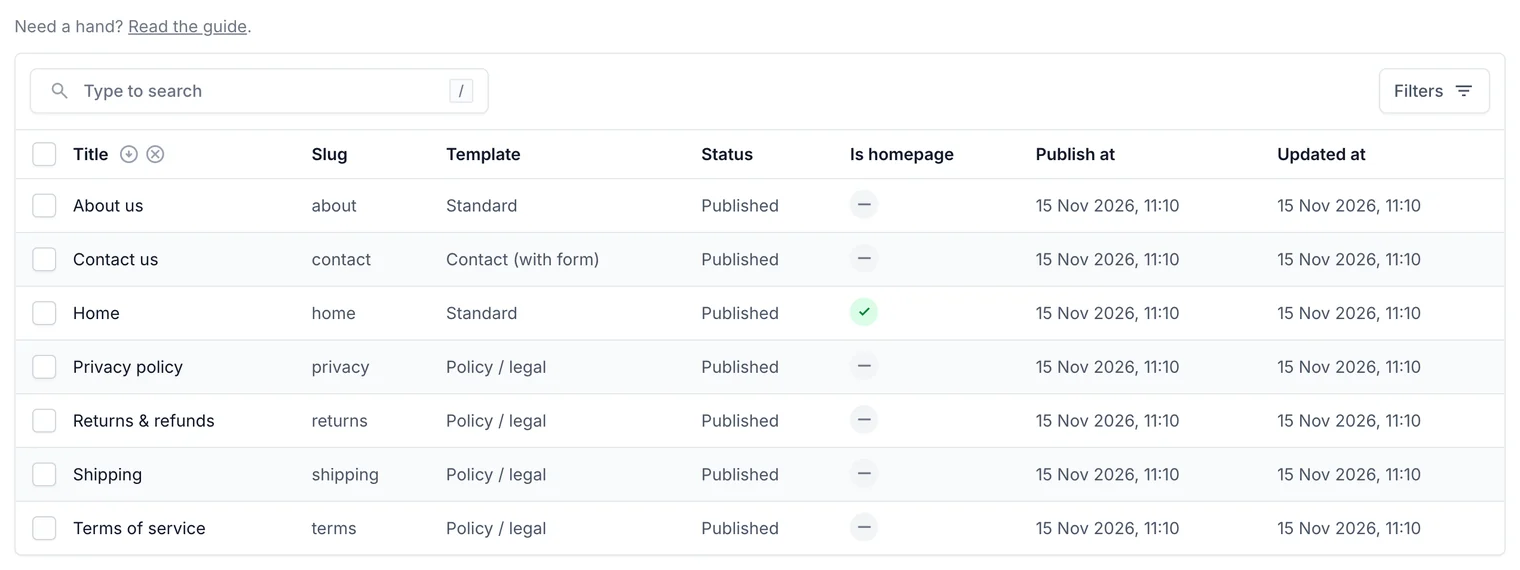
Your pages. One of them is your home page. -
Open the content blocks tab and add blocks: text, image, gallery, products, FAQ, call to action or video.
-
Drag blocks into order, or change their order numbers.
-
Set Status: draft, published, or scheduled for a date.
-
Choose Save, then View on site to check it.
Related guides
- Write blog posts
Write posts with a cover photo and content blocks, show products in them, and schedule them.
- Header and footer menus
Choose the links in your store's header and footer.
- Change theme and colours
Pick a theme and fonts, set your own colours, preview, then publish.
- Get found on Google (SEO)
Your SEO score and checklist, search titles and descriptions with live previews, hiding pages, and fixing broken links.
Still stuck? Contact support or email [email protected]. We reply within one business day.