Header and footer menus
Choose the links in your store's header and footer.
Online store · Updated 14 Nov 2026
Until you add any links, your header shows Shop, Journal and About, and the footer shows your policy pages.
-
Open Online store › Menu links and choose Add menu link.
-
Pick where it's shown (header or footer), give it a label, and choose what it Links to.
-
Set the order and save.
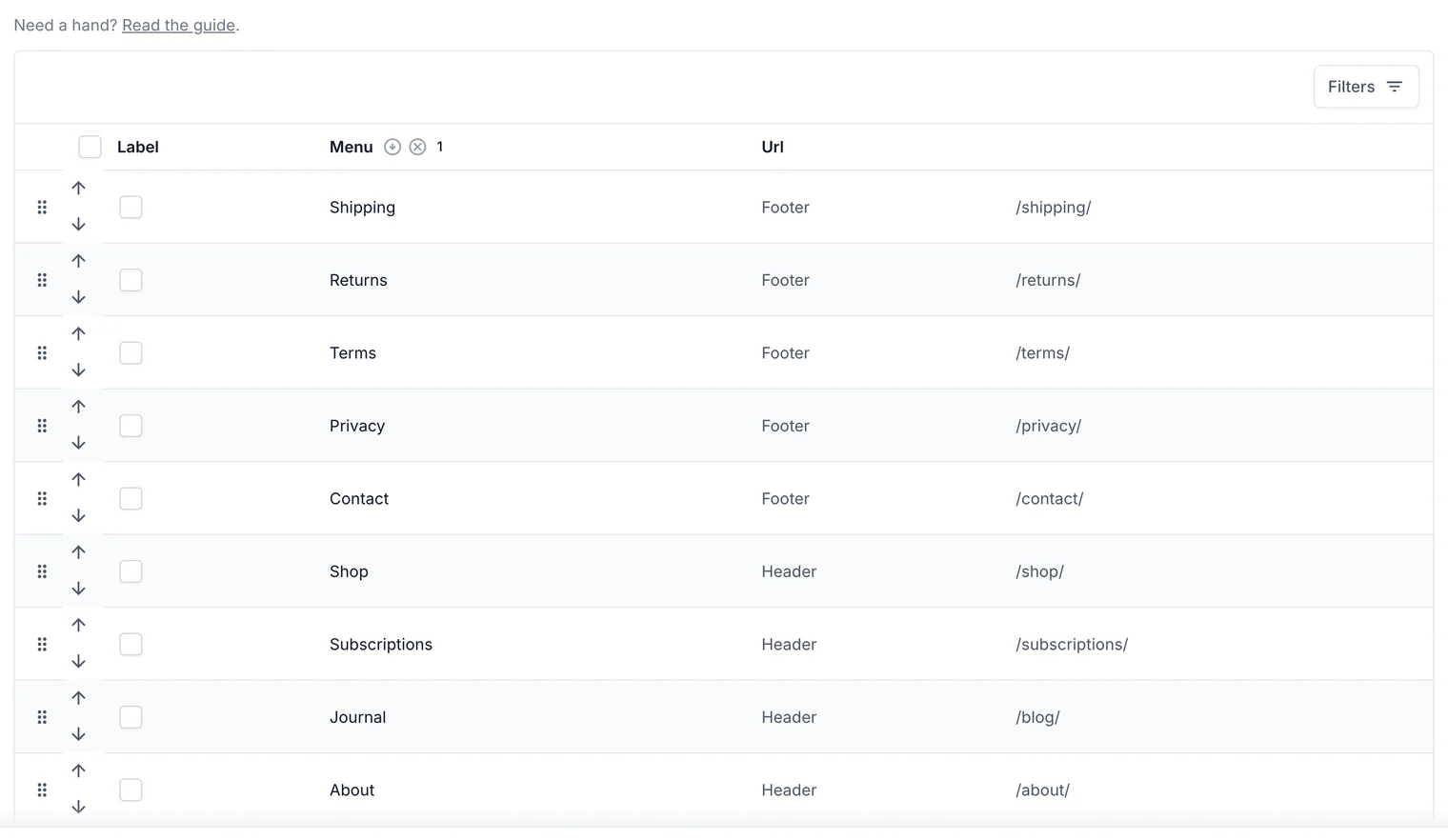
Header and footer links, in order.
Related guides
- Edit pages and the home page
Build pages from blocks (text, images, galleries, product grids, FAQs) and choose your home page.
Still stuck? Contact support or email [email protected]. We reply within one business day.