Export your data
Download your products, orders, customers and subscribers as spreadsheet files.
Getting started · Updated 14 Nov 2026
Your data is yours. You can download all of it at any time.
-
Open Settings › Export data.
-
Choose Download store data (.zip) (1).
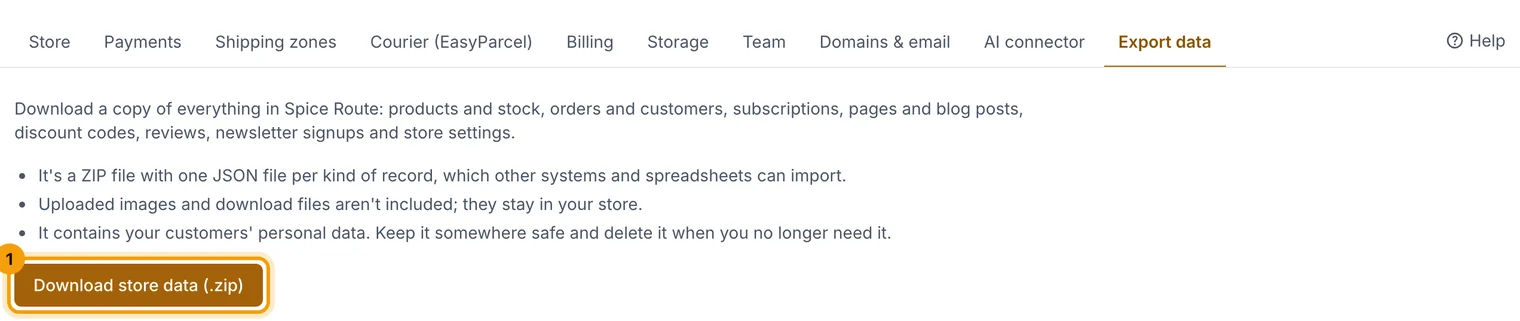
One zip with a spreadsheet for each kind of record. -
Open the zip: there's a CSV file for products, orders, customers and newsletter subscribers. They open in Excel, Numbers or Google Sheets.
Related guides
- Store settings
Business details, logo, emails, GST, returns, languages, currencies and search settings, one section at a time.
Still stuck? Contact support or email [email protected]. We reply within one business day.